

I was going to write a bug report for this on the official bug tracker, but their system is so fucking terrible I literally can’t sign up despite them having two entire separate pages for creating accounts. One just silently fails, and the other accuses me of being malicious or using a VPN. So I guess they don’t really want people contributing.
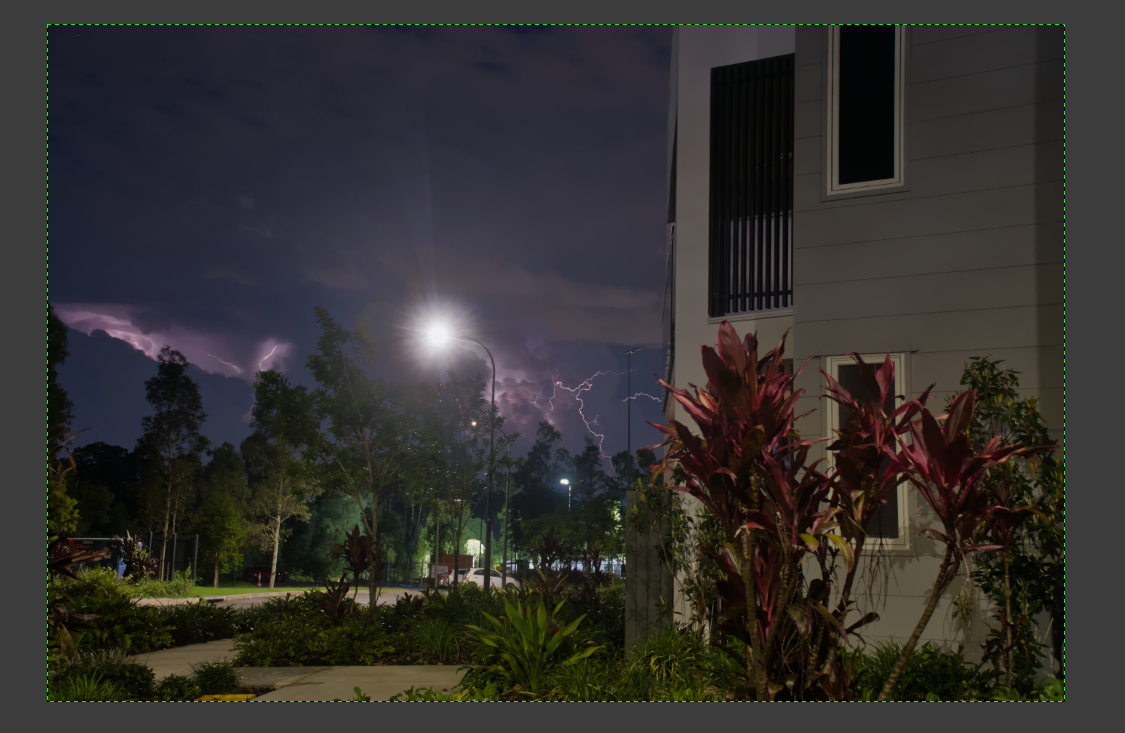
Here’s what my image looks like in GIMP:
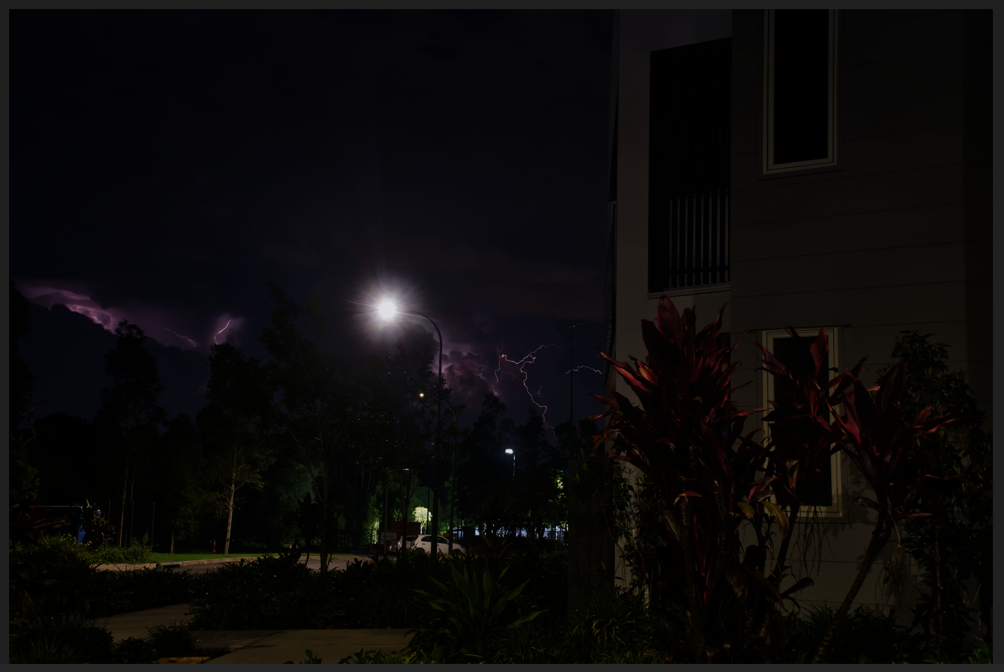
And here it is, after exporting as a JPG:
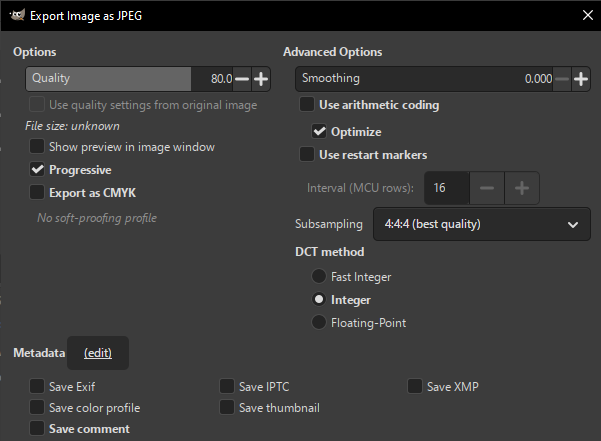
With these settings:
Without being there I don’t know exactly where the colour management has gone wrong in your project/workflow but with your project open in GIMP I would try: Image > Flatten Image, then Image > Colour Management > Convert to Colour Profile > Convert to built-in sRGB (select relative colourimetric and black point compensation). Go to export as jpg and in the export settings make sure ‘Save colour profile’ is checked. Open the exported jpg in GIMP as well as in Firefox and let me know how it looks.
Feel free to share your project file and when I get time I can look at it too.
I tried your suggestion, though I didn’t flatten the image and didn’t “save colour profile” (because I wanted to try changing the fewest things away from the default as possible), and that did indeed work.
I thought of sharing the project file prior to applying those fixes, in case you’d be able to figure out why it went wrong in the first place. But unfortunately it’s a shocking 1.5 GB, despite being made up of just nine 25-ish MB jpegs with some quite basic masks. And I think that 1.5 GB is after it’s been compressed, because down the bottom of the application itself it says “[layer currently selected] (5.7 GB)”. And unfortunately 1.5 GB is too large for common accountless file sharing sites like catbox. (Understandably.)
Great, I’m glad you’re making some progress with it and yes, projects can get big!
I’m actually in the process of getting set up for doing online tuition for photography-related F/OSS software and could do with volunteers to test out my online Jitsi ‘classroom’. If you need any more help and are up for it maybe we could a session? Just DM me if you’re interested :)
Oh, immediately after writing that last comment I tried exporting again, without changing the colour profile, but with the “save colour profile” selected. That kinda worked too, in that the brightness was as expected, except that with otherwise identical settings, the quality of the image went way down. Heaps of jpeg artifacting.
Image done by converting colour profile but not saving colour profile on export:
Image done by saving colour profile on export but not converting colour profile:
And just for kicks, image done by converting colour profile and saving colour profile on export:
(To my eye, the last is identical to the first.)
edit: unfortunately the second photo doesn’t seem to show correctly after uploading to Lemmy. In Windows photo viewer, and in Firefox and Edge, it displays with the correct brightness but frequent blockiness. Here, instead, is a screenshot of it in Windows photo viewer: